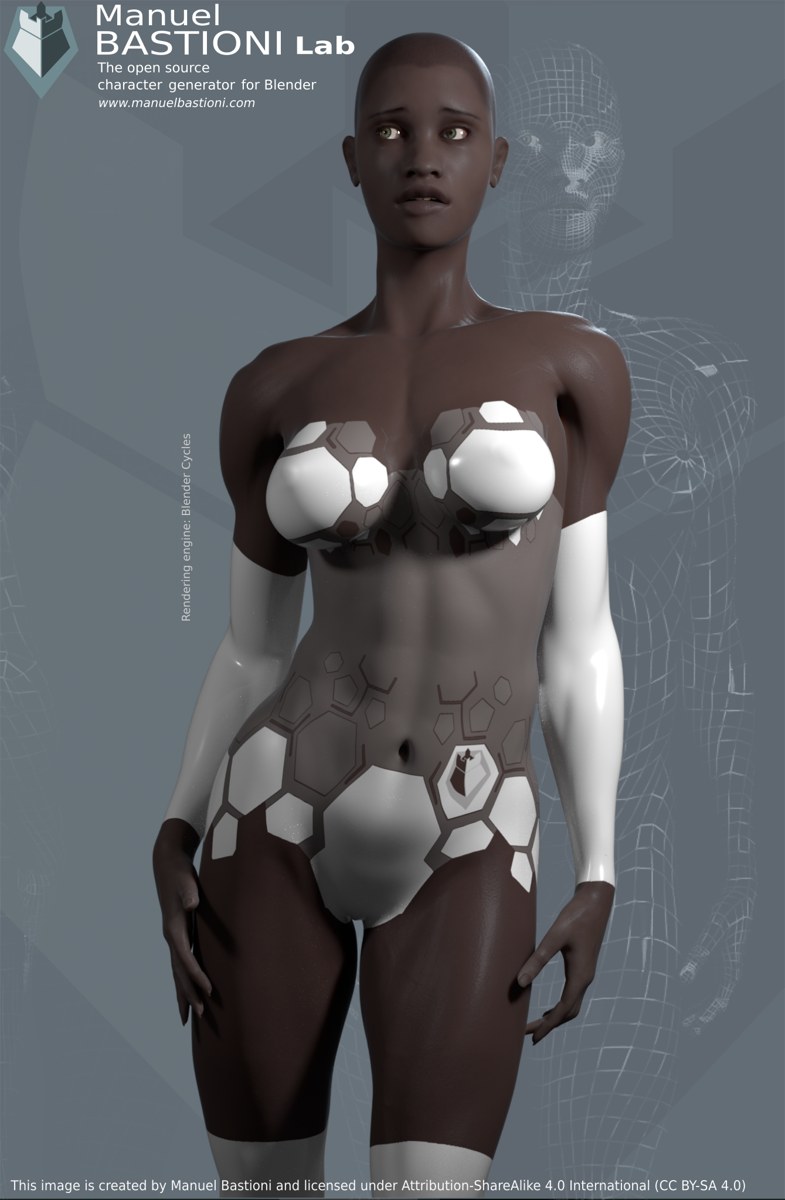
If you have ever installed a new Fallout outfit only to find sleeves clipping through arms or a skirt floating above the legs, you have met the exact problem NifSkope is built to solve. NifSkope is a free viewer and editor for NIF files, the mesh format Bethesda games use for characters, clothing, armour, and creatures. Before an outfit reaches the game, its shape, bones, and weights live inside a NIF file, and NifSkope lets you open that file and make small, careful changes.
What NifSkope Shows You in a NIF File
A NIF file is a tree of blocks, and NifSkope shows that tree on the left and the 3D model in the main view. The most useful blocks for outfit work are the shape nodes, which hold the visible mesh, and the skin data, which ties the mesh to the skeleton. Click a shape to highlight it, hide the parts you are not working on, and rotate the view to check the outfit from the front, side, and back. Many modders start with nifskope when they want to inspect a downloaded outfit before installing it.
Opening an Outfit Without Breaking It
Always work on a copy. Keep the original outfit untouched in a backup folder and open the copy in NifSkope. Take a moment to look before you touch anything. If the model appears as a jumble, check whether the skeleton is present in the same file or referenced from another one; some outfits expect the default skeleton and look wrong until it is loaded alongside them.
The official site, nifskope.com, is where you can find the current version of the editor, so make sure you are using an up-to-date build before you judge an outfit’s behaviour.
Body-Slide Basics: Matching the Outfit to the Body
Body-slide is the name modders give to fitting an outfit to a particular body shape. Fallout bodies come in different builds, and an outfit made for one build will not automatically fit another. In practice, fitting means moving the outfit’s vertices, the points that make up its surface, so they sit just outside the body mesh, following its curves without sinking into it or floating away from it.
Start with the torso, since it anchors everything else, adjusting the waist, chest, and hips in small steps. Move on to arms and legs only when the torso sits well, and check the joints, shoulders, elbows, and knees, where a static outfit often breaks once the character moves.
Fixing Common Problems: Clipping, Gaps, and Weighting
Clipping happens when the outfit sinks into the body or another piece of clothing. Small amounts can often be fixed by nudging the offending vertices outward, while large clipping usually means the outfit was built for a different body. Gaps are the opposite problem: the outfit floats away from the skin, most visibly at the neck, wrists, and waist. Both are easier to spot if you hide the body mesh, view the outfit alone, then show the body again to judge the fit.
Weighting is the subtler issue. Each vertex is weighted to one or more bones, telling the game how that point should move when the character bends or walks. If a sleeve is weighted to the wrong bone, it will stretch or collapse at the elbow. When something deforms oddly in game but looks fine standing still, weighting is the first thing to check.
A Safe Test Loop Before You Publish
Treat every edit as a small experiment. Make one change, save the file under a test name, load it in game, and check the outfit while standing, walking, and crouching. Poses matter: an outfit that looks perfect standing can still clip badly when the character sits or aims a weapon. Keep notes on what you changed, and keep every working version so you can step back if a later edit makes things worse.
Once the outfit holds up in all three poses with no obvious clipping, gaps, or deformation, it is ready to share or install permanently. Inspect first, change little, and test often: with those basics, NifSkope becomes the fastest way to make Fallout outfits fit the way they should.